Are you a Python developer looking for the perfect Integrated Development Environment (IDE) to boost your productivity and streamline your coding process? Choosing the right IDE can make all the difference in your programming experience, whether you’re a beginner or a seasoned coder.
With countless options available, finding the one that suits your needs might feel overwhelming. But don’t worry, we’re here to help. You’ll discover the top IDEs that cater specifically to Python developers. These powerful tools are designed to enhance your workflow, simplify debugging, and make coding an enjoyable task.
Dive in to explore the IDEs that could transform the way you write and manage your Python projects.
Popular Ides For Python
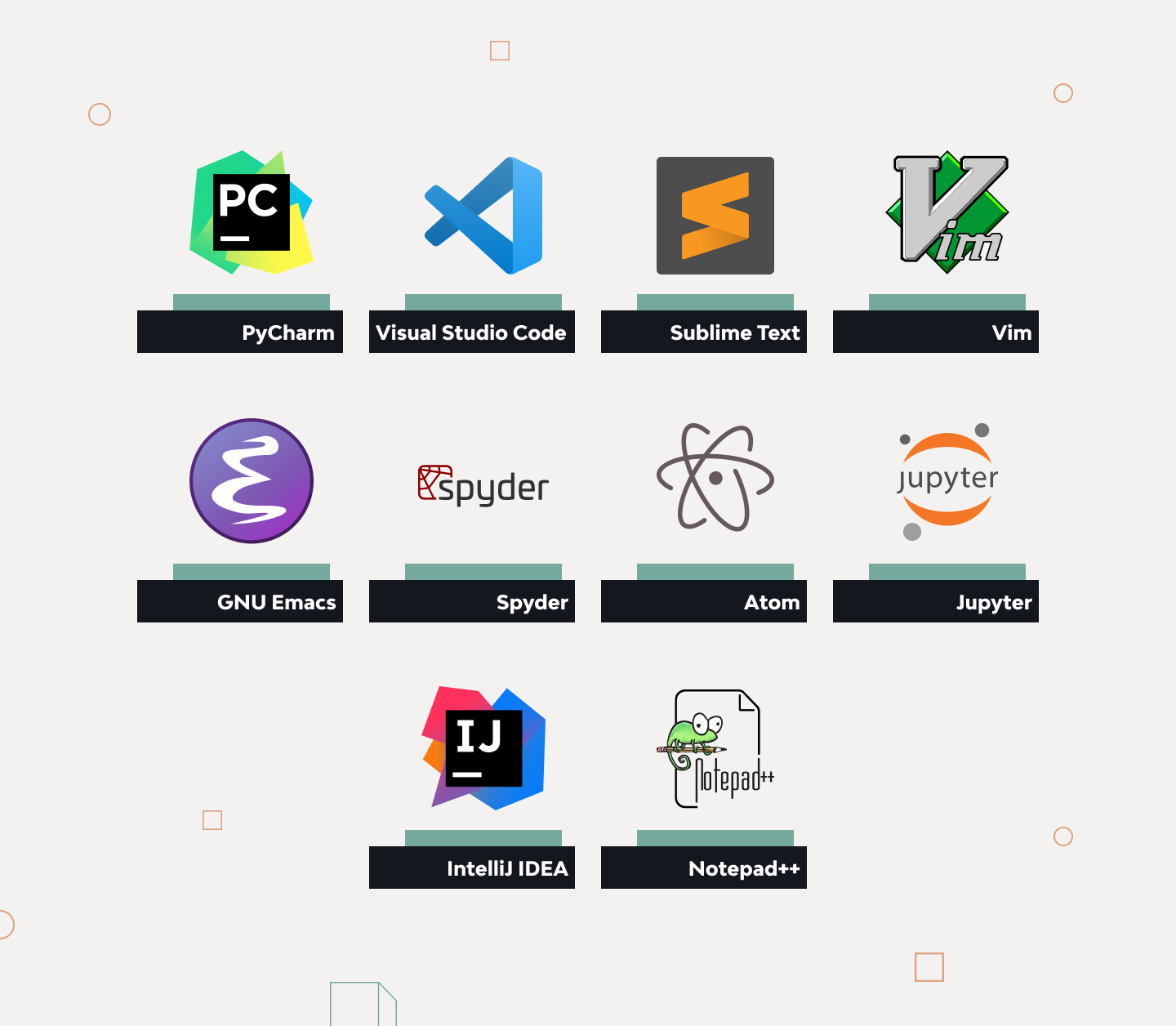
Python developers use many IDEs. Some IDEs are very popular. PyCharm is liked by many. It is easy to use. PyCharm helps with code suggestions. Visual Studio Code is another good choice. It is free and open-source. Many people use it for different languages. Jupyter Notebook is special for data science. It lets you see output right away.
Many IDEs have auto-complete features. This helps write code faster. Some IDEs have debugging tools. Debugging finds and fixes errors. Syntax highlighting makes code easier to read. This feature uses colors for different parts of code.
Think about what you need. Some IDEs are better for big projects. Others are good for learning. Check if the IDE is free or paid. Look at the features before choosing. Ease of use is important for beginners. Make sure the IDE works on your computer.
Features To Consider
The user interface should be simpleand easyto use. Buttons and icons need to be clear. Colors must help and not confuse. A good interface saves time for developers.
Code completion helps in writing code faster. It suggests words as you type. This tool reduces errors. It makes coding less tiring for everyone. Developers can focus on logic instead of syntax.
Debugging tools help find mistakes in code. They show where errors are. These tools help fix problems quickly. Good debugging tools are important for smooth coding.
Version control keeps track of code changes. It helps in working on projects with teams. Developers can see past changes. This feature avoids loss of important work. It is a must for teamwork.
Pycharm
PyCharm offers an intelligent code editor. It helps in writing code easily. The editor suggests useful tips. It corrects mistakes fast. This saves a lot of time.
Debugging with PyCharm is simple. It has integrated debugging tools. These tools find errors in code. They show where errors happen. Fixing code becomes easier.
PyCharm’s customizable interfaceis useful. Developers can set it as they like. Colors and fonts can change. This makes coding more enjoyable.
Visual Studio Code
Extensive Extensionsare a big help for Python developers. They make coding easy. You can find many tools. These tools help you write better code. They also help you fix mistakes fast.
Built-in Git Supportis another great tool. It helps you save your work. You can share your code with others. This makes working in teams easy and fun.
Live Share Collaborationlets you work with friends. You can see what others do in real-time. It is like being in the same room. This feature is good for learning and sharing ideas.
Jupyter Notebook
Jupyter Notebook lets you run code line by line. This makes it easy to see results instantly. Errors show up fast. Fix them and learn quickly. It’s great for trying new ideas. Change code and see what happens. Fun way to learn Python.
You can make cool graphs with Jupyter Notebook. It helps to see patterns and trends. Use Python libraries like Matplotlib and Seaborn. Show your data in a fun way. Make graphs that are easy to understand. Share with friends or teachers.
Write notes and explanations with Markdown. It helps to keep track of what you do. Make your code easy to follow. Use headers, lists, and links. Explain your code with clear words. Markdown makes it look nice and neat.
Spyder
Spyder makes working with scientific librarieseasy. It supports libraries like NumPyand Pandas. These libraries help in solving complex problems. Many scientists and engineers use them every day. With Spyder, you can run these libraries smoothly. This makes your work faster and more efficient.
Spyder has a tool called Variable Explorer. It shows all your variables in one place. You can see their valuesand typeseasily. Changing values is simple too. This makes debugging much easier. You can fix errors quickly. Your code becomes better and cleaner.
Spyder works well with Matplotlib. This is a library for making charts and graphs. You can see plots directly in Spyder. This helps in understanding data patternsbetter. It is a useful feature for data analysis. You can see your results without extra steps.
Atom
Atom is a free tool for developers. You can change its code to fit your needs. It lets you add features you like. This makes it a great choice for Python developers. You can share your changes with others. Many people work together to make Atom better.
Teletype helps you code with friends. You can see what they do in real-time. This makes it easy to work together. Teletype lets you talk and solve problems fast. It is like having a friend in the room, even if they are far away.
Atom uses packages to add features. You can find many packages in the Atom Store. These packages can help make your work easier. You can install them with just one click. Packages let you customize Atom the way you like it. It’s like having a big toolbox!
Thonny
Thonny is a simple tool for learning Python. The interface is very clean. Beginners find it easy to use. It shows code step-by-step. This helps to understand how Python works. The layout is friendly and inviting.
Debugging is solving problems in code. Thonny makes it easy to find mistakes. It highlights errors. You can see where the problem is. Fixing errors becomes simple. The visual debugger is very helpful.
Installing Thonny is straightforward. Just download and install. No complicated steps. It works on Windows, Mac, and Linux. The process is quick. Thonny is ready to use after installation. This saves time for users.
Choosing The Right Ide
Consider the project’s size and complexity. A big project needs a powerful IDE. Small projects can work with simpler tools. Check if the IDE supports Python libraries. Some projects need special libraries. Make sure the IDE handles debugging well. Debugging helps find and fix problems fast.
Teams need tools to share code easily. Some IDEs have built-in version control. This helps track changes in code. Look for real-time collaboration features. Some IDEs let multiple people work together live. This can save time and effort.
Choose an IDE that feels comfortable. Everyone has different likes. Some prefer a simple interface. Others like more features. Try different IDEs to find what fits best. Check if it has customizable themes. This can make coding more fun. A comfortable IDE boosts productivity.
Frequently Asked Questions
What Are Popular Ides For Python Developers?
Popular IDEs for Python include PyCharm, VS Code, and Jupyter Notebook. PyCharm offers advanced features for professional developers. VS Code is lightweight and highly customizable. Jupyter Notebook is perfect for data analysis and visualization tasks.
Why Choose Pycharm For Python Development?
PyCharm provides code analysis, a powerful debugger, and integration with version control systems. It’s highly customizable and supports web development frameworks. PyCharm’s extensive plugin ecosystem enhances development productivity, making it a favorite among professional Python developers.
Is Vs Code Good For Python Projects?
VS Code is excellent for Python projects due to its versatility. It offers numerous extensions to enhance Python development. Its lightweight nature ensures fast performance, and it provides built-in Git support, making it popular among developers.
How Does Jupyter Notebook Benefit Data Scientists?
Jupyter Notebook allows interactive coding and data visualization in real-time. It supports rich text and visualization integration, making it ideal for data analysis. Its web-based interface is user-friendly, perfect for sharing and collaborating on projects.
Conclusion
Python offers many opportunities for developers today. From web development to data analysis, the possibilities are vast. Each idea can boost your skills and career prospects. Python’s simplicity makes it a favorite among developers. Explore different projects and find what excites you.
Joining communities can provide support and inspiration. Keep learning and adapting to new trends. Python’s versatility will continue to grow. Embrace the challenges and enjoy the learning process. Start small, dream big, and let your passion guide you. Happy coding!
Read More:
- Reusable Rocket Innovation News: Revolutionizing Space Travel
- Neurotechnology Startups Funding: Unlocking Innovation Potential
- Best EV Charging Networks USA: Top Picks for 2025
- Snapdragon Vs Mediatek Comparison: Ultimate Processor Showdown
- Elon Musk Neuralink Update: Revolutionizing Brain Technology
- Remote Work Productivity Analytics: Boost Efficiency Now
- Edge Computing Trends 2025: Revolutionizing Tomorrow
- Over-Ear Vs In-Ear Headphones: Which is Best?